Court Notes Method
How to stress-test a padel shot tracker.
Scope, map, stress-test, correct, weigh — five questions that separate a tracker you can trust from a well-cut demo clip, before you spend money on any of them.
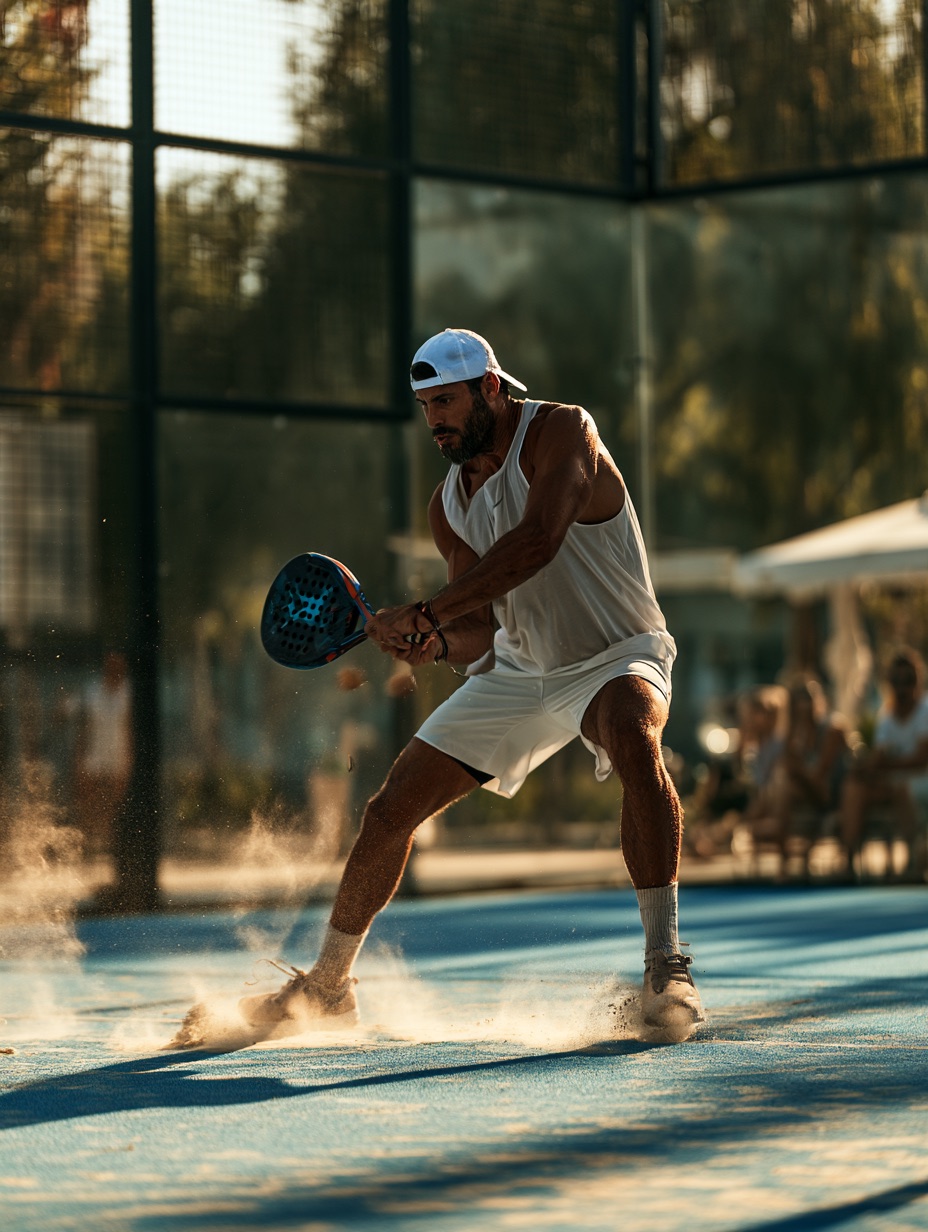
There’s no single best tracker. A racket-mounted sensor measures racket motion at its mounting point, a wrist tracker such as PlayDNA infers strokes from arm motion, and a manual log records what a person chooses to note. A fixed camera adds footage for review or product-specific automated analysis; it is not the same as tapping events into a phone app. The broader tracker guide separates these workflows before you choose.
Each approach trades off differently on detection method, setup friction, and what happens when the classifier gets something wrong. The workflow below — scope, map, stress-test, correct, weigh — is how to compare them without taking a product page’s word for it.
The workflow: scope, map, stress-test, correct, weigh
1. Scope your goal
Decide what you need the data for before comparing hardware. Fixing a leaky backhand needs different granularity than tracking volume across a tournament weekend or comparing serve counts with a partner.
Worked example: a player preparing for a club tournament might compare accepted stroke counts across three sessions. A player investigating overheads may need reviewable smash and bandeja labels plus video context, not an automated verdict about why a smash was missed.
2. Map the evidence source
Every method has a different evidence source: motion on the racket or wrist, events entered by a person, or a camera’s view of play. A handle-mounted sensor may need moving between rackets; that setup step does not necessarily reset a player’s history. The Watch follows its wearer without a racket attachment. A manual log depends on observing and recording the chosen events; video needs a usable view and subsequent review.
The source of the observation shapes what it can support. None alone proves ball trajectory, technique quality or why a point was won.
3. Stress-test the classifier
For automatic trackers, ask what happens on edge cases: short defensive blocks off the glass, compact swings and off-balance recoveries. Some motions may be missed entirely; others may be detected but remain unclassified. Manual notes and video have different coverage limits tied to the observer and camera view.
Worked example: a compact underarm serve may go undetected by a wrist swing detector, while a different motion may be detected but left without a reliable shot label. Test the edge cases you actually play; do not assume a racket sensor automatically captures every frame hit either.
4. Check the correction path
No classifier is perfect, so the real question is what happens after a miss or a misclassification. Can you flag it? Does the app quietly average it into your stats, or show you the raw sample count so you can judge confidence yourself? If a product doesn’t explain what a low-confidence shot looks like in its own app, treat that as a gap rather than assuming the best.
5. Weigh ecosystem and privacy
Last, check what the tracker asks of you off the court: an account, cloud sync, a login just to see history. Some process shot data on-device and keep it there; others need sign-in before you can view anything at all. This is worth deciding early, since it’s hard to undo once your sessions live in someone else’s cloud.
Three player profiles
The tactical improver
Wants to investigate recurring backhand patterns in a single session. Reviewable shot labels and a correction path matter more than raw totals, but neither sensor identifies an individual error or its tactical cause without added context.
The tournament prepper
Wants accepted stroke counts and serve context across a weekend without remounting hardware between rackets. Check missed compact serves, how sessions persist, and what the report actually counts; no tracker observes all four players by default.
The partner comparator
Wants two players’ sessions to line up. This depends less on sensor position and more on whether both trackers use the same classification method — mixing a racket sensor’s log with a wrist tracker’s log for the same match won’t produce comparable numbers.
How to choose: matching tracker type to your goal
Racket-mounted sensors are worth considering if you accept handle hardware and want racket-motion data. A wrist tracker can follow the wearer between rackets without remounting; manual notation costs less hardware but demands attention, and video adds visual context at the cost of setup and review.
PlayDNA is an Apple Watch app, so solo recording needs no racket attachment, courtside phone or app account. It counts accepted wrist strokes, shows estimated padel labels for supported swings, and leaves uncertain classifications unlabelled rather than forcing a named type. Some short motions can go undetected altogether. Qualified observations expose sample counts and caveats; a bare count is not proof of technique or the cause of a point. Why we count shots at the wrist explains the sensor choice, and the broader tracker guide covers phone logging and video separately.
Common mistakes
Trusting a single demo clip as proof of accuracy
One smash detected correctly on camera says nothing about underarm serves or mishits — ask for edge-case examples, not highlight reels.
Ignoring what happens to low-confidence shots
A tracker that silently drops or force-counts uncertain shots will skew your totals without telling you; you want visibility into that decision, not just a final number.
Assuming racket and wrist data are interchangeable
Comparing a racket sensor’s session against a wrist tracker’s session treats two different classification methods as one, which breaks any comparison built on it.
Picking on setup speed alone
A tracker that takes two minutes less to set up but can’t answer your actual question is a waste of both minutes. Setup is a filter, not the decision.
FAQ
Does a wrist sensor detect shots as accurately as a racket-mounted sensor?
They read different motions rather than simply better or worse: a handle-mounted sensor measures racket movement at the handle; a wrist tracker estimates from arm movement. Each may miss or mislabel particular swings. Ask the vendor how it handles low-confidence detections before inferring accuracy from sensor placement.
Do I need an account to use a padel shot tracker?
It depends on the product. PlayDNA does not require one; other trackers, particularly cloud-synced apps, may require sign-in to store history across sessions.
Can I fix a shot the tracker misclassified?
This varies by product. PlayDNA lets a player review and correct supported padel shot labels, marks uncertain classifications rather than displaying an accuracy percentage, and may miss a compact swing altogether. For another product, confirm whether the reported event can be inspected and corrected instead of assuming the chart represents every stroke.
Is a watch-based or manual-logging app good enough for casual play?
For casual sessions, a watch record or a manual log may be enough when broad patterns matter more than detailed shot evidence. Neither is automatically complete; test the exact question you want answered rather than relying on a category label.